
Decommissioning GPU Servers Safely: Data Erasure, Firmware Resets And Remarketing Paths
Why Safe GPU Server Decommissioning Matters
GPU servers hold sensitive datasets, model artefacts and credentials. BMCs and hypervisors can retain users, keys and network details long after drives are wiped. Incomplete processes risk data leakage and persistent privileged access. Under GDPR you must protect personal data, and WEEE regulations govern disposal of electronic waste in the UK and EU.
Safe decommissioning reduces risk and recovers value. Use certified erasure aligned to NIST SP 800‑88. Key terms: NVMe sanitise is a controller‑level secure erase; a BMC manages a server out‑of‑band; verification proves the wipe. For wider context, see the environmental impact of IT waste and how ITAD can help and what is ITAD and how do I choose my supplier.
Scope Your Fleet And Build A Clean Asset Register
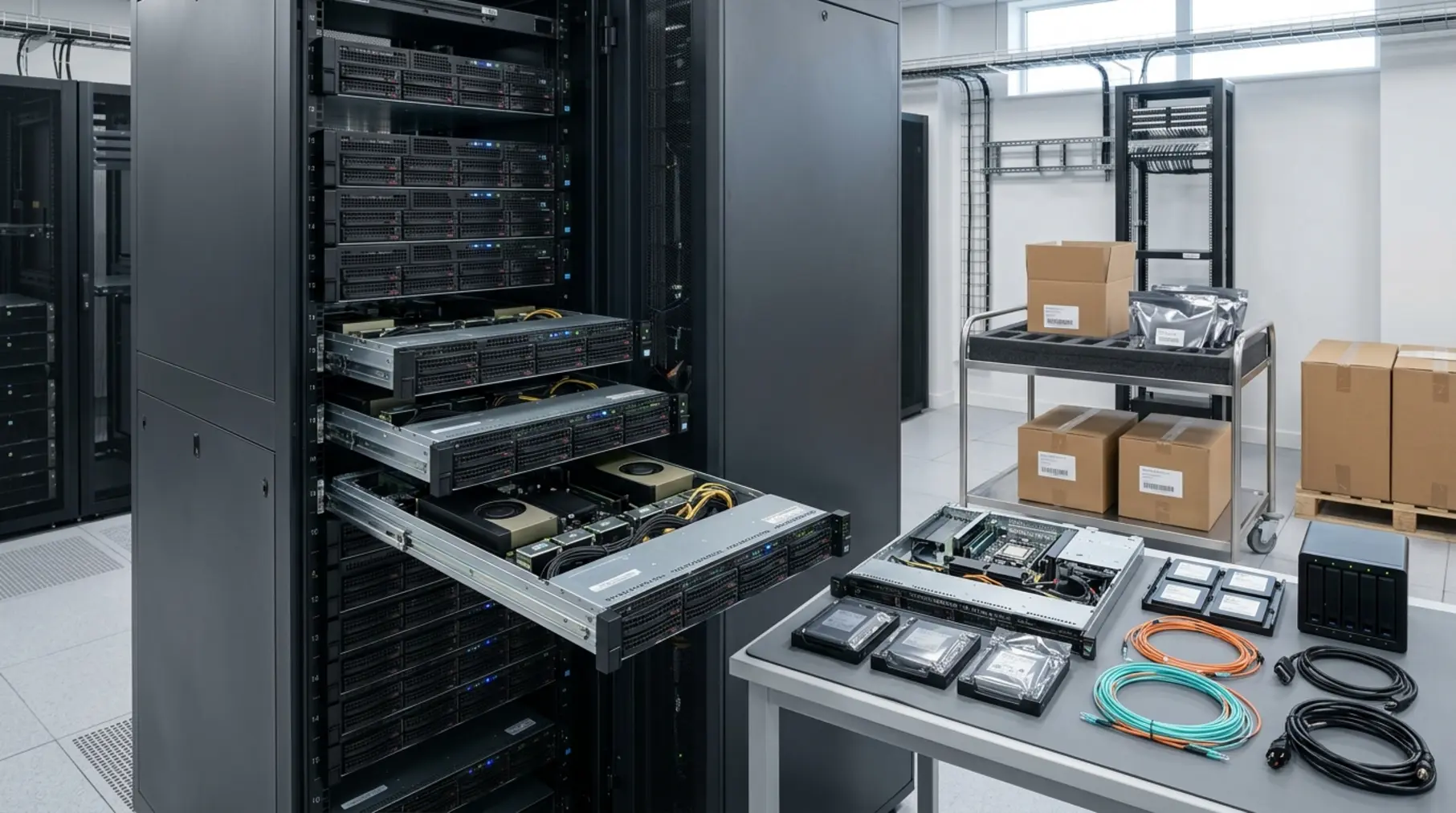
Start with a chassis and component inventory. Capture:
- Server model, CPU, RAM, GPU models and VRAM, NVMe/SAS drives (capacity and interface), NICs (e.g. Mellanox), RAID/HBA, rails and PSUs.
- Serial numbers, asset tags, MAC addresses, management IPs and rack location.
- Firmware versions for BIOS/UEFI, BMC, NICs, storage, GPUs (vBIOS), plus current OS/hypervisor build.
Audit licences and subscriptions (NVIDIA vGPU/AI Enterprise, OS, hypervisor, support). Photograph serials, note cosmetic grade and missing parts. This evidence speeds valuation and avoids disputes. If unsure what to capture, read server maintenance: what to know and where to start.
Plan The Chain Of Custody And Safe De‑Rack
Use a pre‑decommission checklist:
- Agree maintenance windows, confirm backups, obtain service owner sign‑off.
- Confirm access to management networks and out‑of‑hours entry if required.
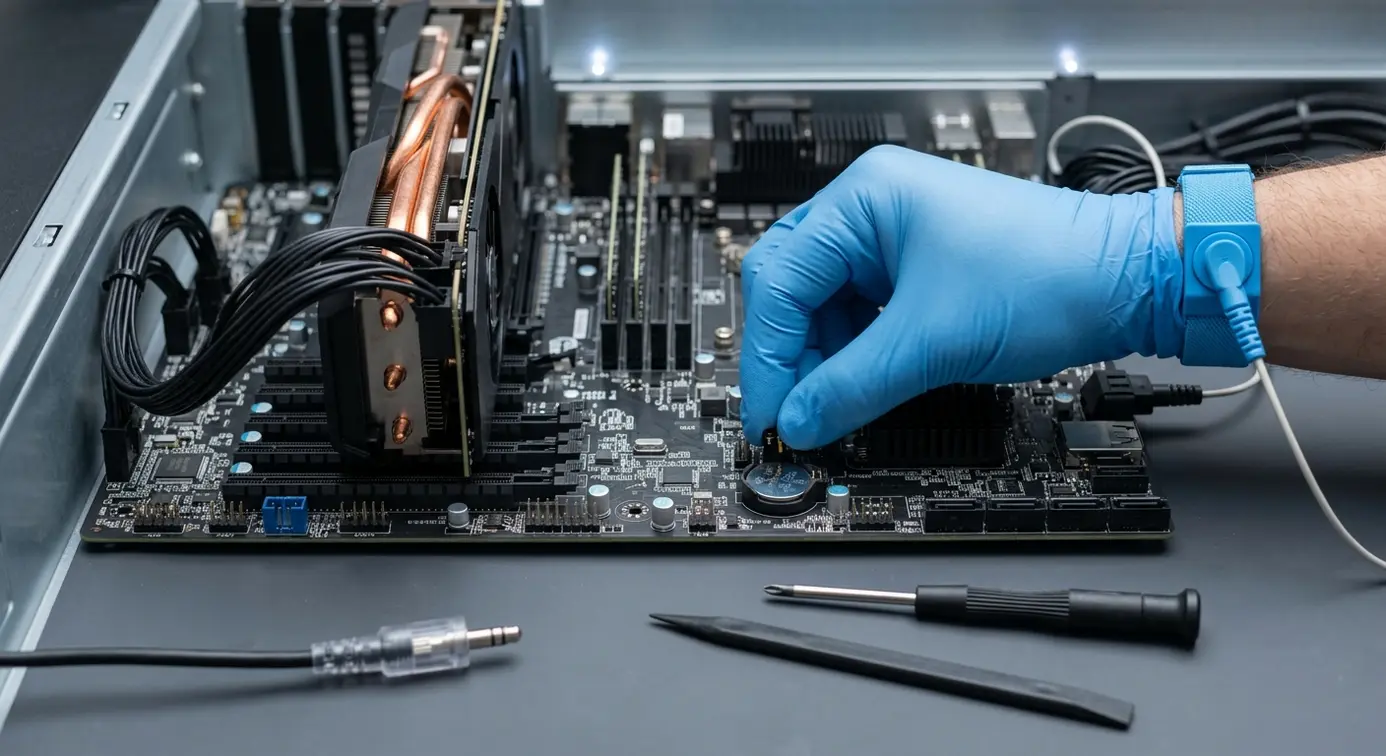
- Plan ESD safety, lifting, and landing area; limit handling to named staff.
Move kit in sealed, logged containers with tamper‑evident seals and tracked couriers. Keep time‑stamped photo evidence at the rack, during packing and at dispatch. Maintain custody logs (who, what, when, seal IDs) to audit standards. For a managed process, see our ITAD services for businesses and review your responsibilities under GDPR compliance.
This image was generated with AI and may not always represent the product or service exactly.
NVMe And Storage Erasure: Doing NIST SP 800‑88 Right
Overwrites are unreliable on NVMe due to flash translation layers. Use controller‑level methods and verify:
- Pre‑checks: record drive serials, run SMART/NVMe health, and back up required logs.
- NVMe: use nvme‑cli to run a sanitise or secure format; on self‑encrypting drives, perform a cryptographic erase.
- SAS/SATA: use firmware‑supported secure erase (e.g. vendor tools or ATA enhanced secure erase), then clear RAID metadata and controller caches.
- Verification: confirm sanitise status, re‑check health, and export logs for each drive.
- Documentation: issue named Certificates of Erasure with method, tool, operator and timestamp.
Offline wipe benches enable safe, parallel processing at speed. For practical guidance, read how to avoid security issues when recycling network hardware and IT hardware disposal options explained.
Resetting BMCs, Platform Security And Firmware
Prevent remote access from carrying over to the next owner:
- Factory reset the BMC (iDRAC, iLO, IPMI/Redfish). Remove users, API keys, LDAP/AD bindings and SSH keys.
- Wipe event logs; clear SNMP/SMTP/syslog targets; remove static IP/DNS; disable virtual media and KVM policies.
- Clear TPM ownership, reset UEFI Secure Boot keys to factory, and zero RAID/HBA configs.
- Update BMC, BIOS/UEFI, NIC and storage firmware to a stable, broadly compatible baseline and record versions.
GPU Cards: Firmware, Drivers And Licensing Checks
Stabilise performance and prove condition before resale or redeploy:
- Confirm GPU identity and vBIOS versions; if modified, reflash the correct OEM vBIOS and restore reference power/clock limits.
- Review licensing: remove host bindings for vGPU or AI Enterprise as required; document what is non‑transferable.
- Run functional tests: CUDA diagnostics, ECC checks, memory tests and thermal profiling under load.
- Service cooling: replace thermal pads/paste if temperatures or noise suggest degradation, then re‑test.
For buyers’ confidence, see should I buy refurbished IT hardware.
Decide: Reuse, Resell Or Recycle
Value is driven by GPU model and VRAM, PCIe/NVLink generation, chassis density, NVMe capacity, age, remaining warranty and cosmetic grade. Timing matters; some GPUs depreciate quickly after new launches.
- Reuse: redeploy for inference, MLOps build, or lab clusters.
- Resell: choose remarketing when demand is high and workloads have moved on.
- Recycle: when boards are dead, PCBs are cracked, thermal issues repeat, or key parts are missing. Use WEEE‑compliant processing and obtain certificates of destruction where applicable.
This image was generated with AI and may not always represent the product or service exactly.
Preparing Hardware For Resale Or Redeploy
Make the next deployment fast and predictable:
- Set a golden baseline across BIOS/UEFI, BMC, NIC, storage and GPU firmware.
- Provide a clean OS image if agreed, or ship with drive bays empty per buyer preference.
- Run 12–24 hour burn‑in: validate fans, thermals, PSUs, acoustics and stability under load; document pass/fail with photos.
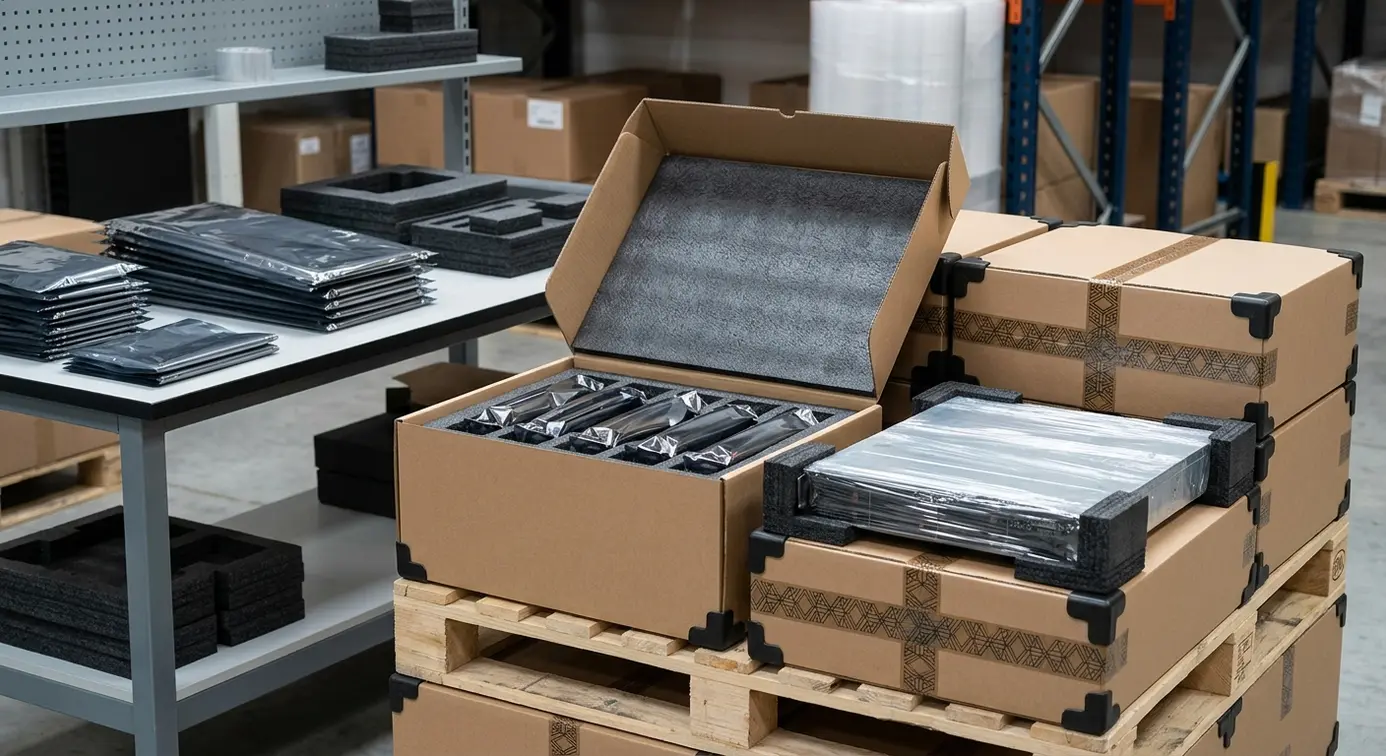
- Pack professionally: anti‑static protection, foam for GPUs, labelled rails and power cables; include test report and clear DOA/warranty terms.
Documentation And Audit Trail You Can Prove
Provide evidence that stands up to audit:
- Per‑drive Certificates of Erasure with method, tool, operator and date.
- Final asset register (CSV/PDF) with serials, firmware versions and configuration.
- Records of BMC resets, platform security actions, and GPU test results.
- Photo log and chain‑of‑custody records; summary of GDPR controls and WEEE‑compliant disposal for non‑recoverable items.
How Equipment HQ Delivers Secure, Fast Decommissioning
Equipment HQ provides on‑site or off‑site NVMe erasure with certificates, full BMC and firmware resets, and rapid UK collections. Our certified engineers follow clear, ISO‑aligned processes to protect your data and minimise downtime.
We offer fair market valuations, guaranteed data destruction, and tested refurbished stock with warranty. Multi‑brand expertise covers servers, storage, components and networking. Request a quote or a site survey to plan a safe, value‑driven exit for your GPU estate.
FAQs
What Standards Should Erasure Follow For NVMe Drives?
Follow NIST SP 800‑88. Use NVMe controller‑level sanitise or cryptographic erase on self‑encrypting drives, then verify results and issue certificates.
Do I Need To Reset The BMC If Drives Are Wiped?
Yes. BMCs hold users, keys, IPs and alerts. A factory reset removes remote access risks that survive a storage wipe.
Which Licences Can Transfer With GPU Servers?
It depends on the vendor and SKU. Check terms for NVIDIA vGPU or AI Enterprise, remove host bindings, and document what is included for the buyer.
How Do You Prove Chain Of Custody?
Use sealed containers with unique IDs, tracked transport, and photo evidence at each handover. Logs record who handled the kit and when.
When Is Recycling Better Than Repair?
Recycle when PCBs are cracked, boards fail repeatedly, or core parts are missing. Choose a WEEE‑compliant route to recover materials responsibly.