

Who This Guide Is For and Why Export Controls Matter Now
Export controls on AI accelerators have tightened. High compute density, high‑speed interconnects (NVLink/NVSwitch, InfiniBand), and wide memory bandwidth (HBM) now push many GPUs and complete servers into controlled categories. Sanctions, re‑export rules, and end‑use restrictions add further risk.
This guide is for ITADs, resellers, cloud providers, and enterprises decommissioning or remarketing AI servers. Use the workflow to classify, screen, licence, and ship with clean, auditable records. For deeper background, see our notes on de‑risking H100/H200 server disposals and our GPU server decommissioning playbook. You can also browse our latest updates on the blog.
Control Basics in Plain English
Dual‑use: civilian items that can also support military or sensitive use; ECCN: the Export Control Classification Number; OGEL/SIEL: UK licence types (Open General vs Standard Individual); EAR: US Export Administration Regulations; Re‑export: onward shipment after the first export.
Controls can apply to individual GPUs, full servers, and networking modules. It’s not only raw TFLOPs: interconnect type and speed, memory size, and bandwidth can trigger controls. Always classify the whole build. Rules change; this is not legal advice—check current lists and, where needed, consult guidance linked in our H100/H200 de‑risking guide.
Jurisdictions and the Decision Tree
Work through origin, content, destination, and end‑use/end‑user. UK/EU dual‑use rules apply by exporter location. US EAR may apply if the item is US‑origin, contains above de minimis US content, or is caught by the foreign‑direct‑product rule. Sensitive destinations and military/intelligence end‑use raise the bar.
Some AI GPUs and servers may fall into stricter 3A090/4A090‑style categories, which can change licence options and timelines. Verify the controlling jurisdiction each time. For context and updates, check our blog.
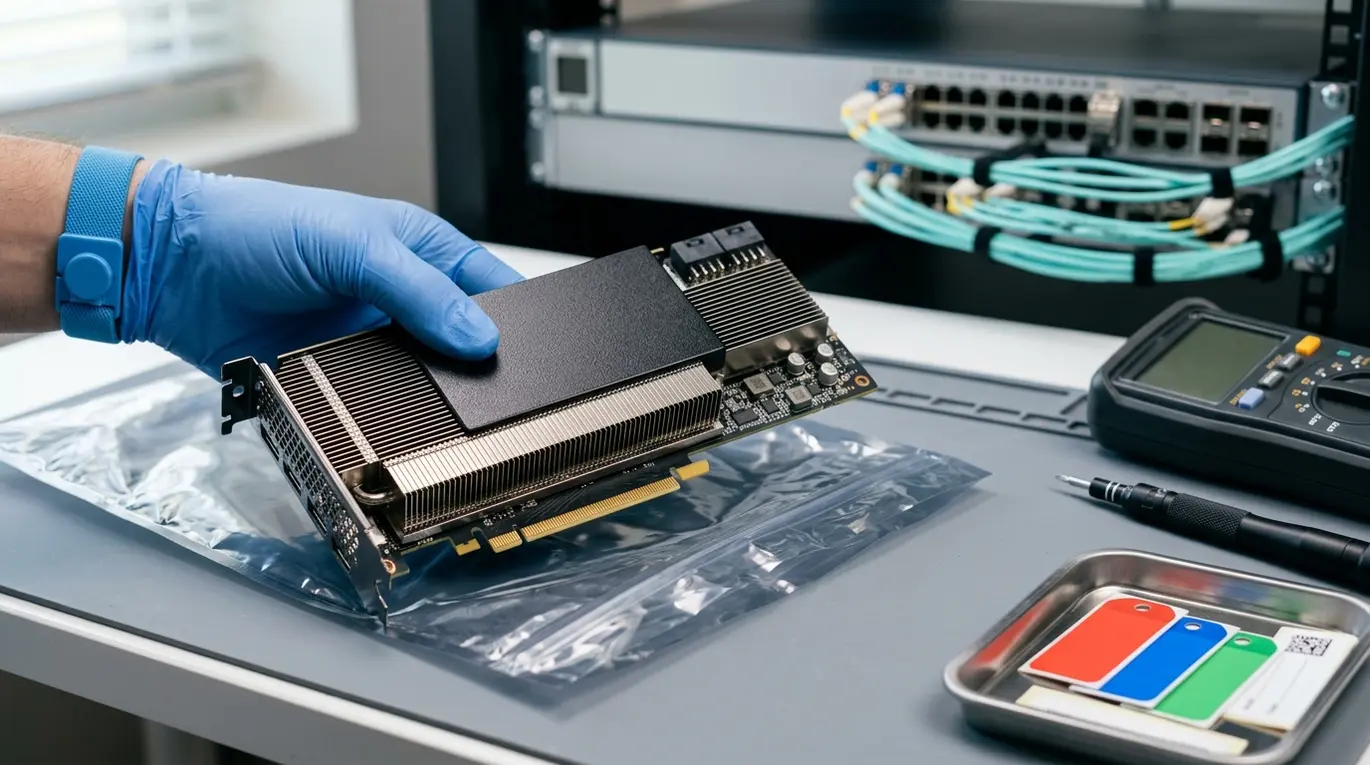
This image was generated with AI and may not always represent the product or service exactly.
Step‑By‑Step Resale Workflow
Capture the full configuration at intake: exact model/P‑N, GPU count and VRAM, CPU, RAM, storage, NICs, interconnects, PSUs, firmware/BMC versions, and all serials. Photograph labels and asset tags. Confirm the ECCN for the assembly and key components. Record tests and wipes as you go.
- Classify: confirm ECCN and destination controls (go/no‑go gate).
- Screen: buyer, end‑user, consignee, forwarder, and end‑use (go/no‑go gate).
- Licence: choose OGEL/SIEL or no‑ship; document the decision and rationale.
- Document: keep proofs, logs, photos, and sign‑offs in a single case file.
Use this with our audit guidance in From Audit To Certificate and the technical steps in GPU server decommissioning, data erasure and BMC resets.
Sanctions and Denied‑Party Screening
Screen all parties against UK OFSI, US OFAC, EU/UN lists, and BIS Entity/MEU lists. Check the company, beneficial owners, end‑user, consignee, and any freight forwarder. Re‑run screening on any change and immediately before shipment.
- Red flags: vague end‑use, shell domains, mismatched addresses, cash urgency, routing via known transhipment hubs, or instructions to under‑declare.
- Handle false positives with documented rationale and dual approval.
Export the PDF/CSV hits and take dated screenshots. Time‑stamp, note the source, and hash files into the casework. See logging practices in our defensible ITAD record guide.
Verify End‑User and End‑Use
Request a KYC pack: company registration, address, VAT/EORI (where relevant), ownership, website, and key contacts. Collect an end‑user statement (EUS) describing the intended use, installation site, and any software stack involved, plus undertakings against prohibited end‑use and re‑export.
Check the domain, facility photos, and capability to host the hardware (power, cooling, connectivity). Use extra care with re‑export hubs and freight forwarders. For high‑risk accelerators, use the detail in our H100/H200 de‑risking guide.
Licensing Routes and Timelines
In the UK, use an OGEL where permitted (ensure you’re registered and maintain usage records); otherwise apply for a SIEL via the ECJU LITE portal. In the EU, national licences apply. If EAR touches the item, check US BIS requirements (including SNAP‑R filings). Expect longer timelines for high‑performance GPUs and sensitive routes.
Applications usually need ECCN, full spec, serials, parties, end‑use, HS code, and value. Build a clean, consistent pack. Pause or stop the deal if screening fails, end‑use is unclear, or destination risk is high. Track status and expiry dates in your case file; more background is on our blog.
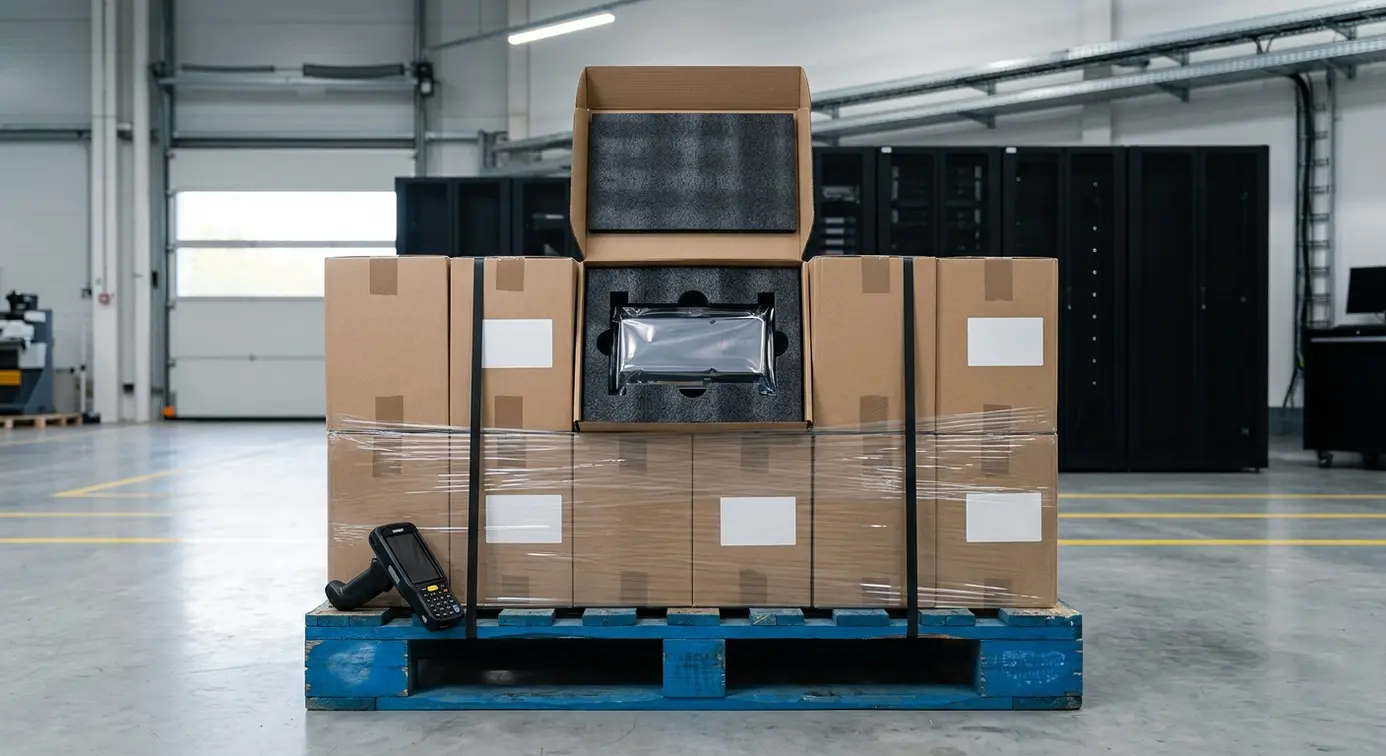
This image was generated with AI and may not always represent the product or service exactly.
Build an Audit‑Ready Documentation Trail
Capture everything: intake photos, specs, serials, MAC/BMC, test results, and wipe logs. Store screening proofs, EUS, licences, invoices, shipping docs, and emails. Add packing photos, seal numbers, and signed delivery notes.
Use a fixed folder tree with versioned filenames and restricted access. Keep immutable logs and dual sign‑off for overrides. Retain records for 5+ years (longer if policy or licence terms require). For chain‑of‑custody and retention practices, see our chain‑of‑custody guide and the audit steps in From Audit To Certificate.
Secure Decommissioning, Testing, and Refurb
Wipe data to NIST 800‑88 or HMG standards as appropriate. Reset and secure the BMC. Record firmware baselines and any updates applied. Grade parts with photos and clear notes so value and fitness for purpose are obvious.
Test GPUs under load; check thermals, fans, power draw, and link stability. Verify RAM, NICs, and storage. Use anti‑static packaging and tamper‑evident seals. For the hands‑on process, see our GPU decommissioning workflow.
Customs Paperwork, Shipping, and Proof of Delivery
Issue a clean commercial invoice with HS code, ECCN, and licence number (if required). Add full party details, Incoterms, insurance notes, and broker instructions. Make sure export declarations match the invoice and serials.
Photograph the packed units, labels, and seal numbers. Scan serials at pick/pack, handover, and receipt. Keep PODs, airway bills, and export entries with the case file. For custody continuity, use the steps in our chain‑of‑custody guide.
Common Pitfalls to Avoid
Do not rely on vague model names. Capture exact P/Ns, memory configs, and interconnects; this drives correct ECCN and licence choice. Re‑screen every time a party or route changes.
- Assuming “used” means “uncontrolled”: it doesn’t—rules apply to used equipment too.
- Misclassification: verify against official lists and vendor specs.
- Poor EUS: require clear, credible use‑cases and sites.
- Grey routing: avoid unknown forwarder PO boxes and high‑risk hubs.
- Relying on HS code alone: tariff codes do not determine export control status.
Run a final pre‑ship control check. For high‑end accelerators, use our H100/H200 de‑risking checklist.
How Equipment HQ Can Help
Equipment HQ delivers fast, compliant remarketing for AI servers and components. We handle screening, EUS collection, classification, licence support (OGEL registration/SIEL applications), packing, and export paperwork with audit‑ready records. Certified engineers manage erasure, testing, and grading with warranty options.
We offer Buy From Us, Sell To Us, Server Maintenance & Support, Network Repairs, Network Installations, and Disposal & Recycling. Get a responsive, single‑point service that protects value and compliance. Explore our ITAD services for businesses and the GPU decommissioning playbook.
Checklists and Templates (Ready to Use)
We provide a pre‑sale export control checklist covering classification, screening, licence route, and documentation gates. The EUS template requests company identity, ownership, installation site, use‑case, and non‑re‑export undertakings.
A screening log template lists parties checked, data sources used, results, reviewer names, timestamps, and approvals. Ask us for editable copies. You can also review related guidance on our blog.
FAQs
Do I need a licence to resell used AI GPUs?
It depends on the ECCN, destination, and end‑use. Some GPUs and full servers are controlled. Classify first, then decide on OGEL, SIEL, or no‑ship.
How do I find the correct ECCN for a GPU server?
Capture the full spec and consult official control lists and vendor data. Consider performance, interconnect, and memory. Document the rationale in your case file.
What screening evidence should I keep?
Save PDF/CSV outputs, screenshots with timestamps, and reviewer notes. Keep EUS, KYC, and any licence correspondence. Retain for at least five years.
How long do SIEL applications take?
Timelines vary by risk and workload. Plan for weeks rather than days, and longer for sensitive destinations or higher‑end accelerators.
Can I ship via a freight forwarder?
Yes, but screen the forwarder and the true end‑user. Avoid unknown PO boxes and grey routes. Add written no‑re‑export undertakings.
What if the buyer changes after approval?
Stop and re‑screen all parties. Recheck the licence position. Only resume once records and decisions are updated and approved.
Does Equipment HQ buy back AI servers?
Yes. We provide secure decommissioning, certified erasure, testing, and compliant resale or buyback. We also support export control documentation end to end.