
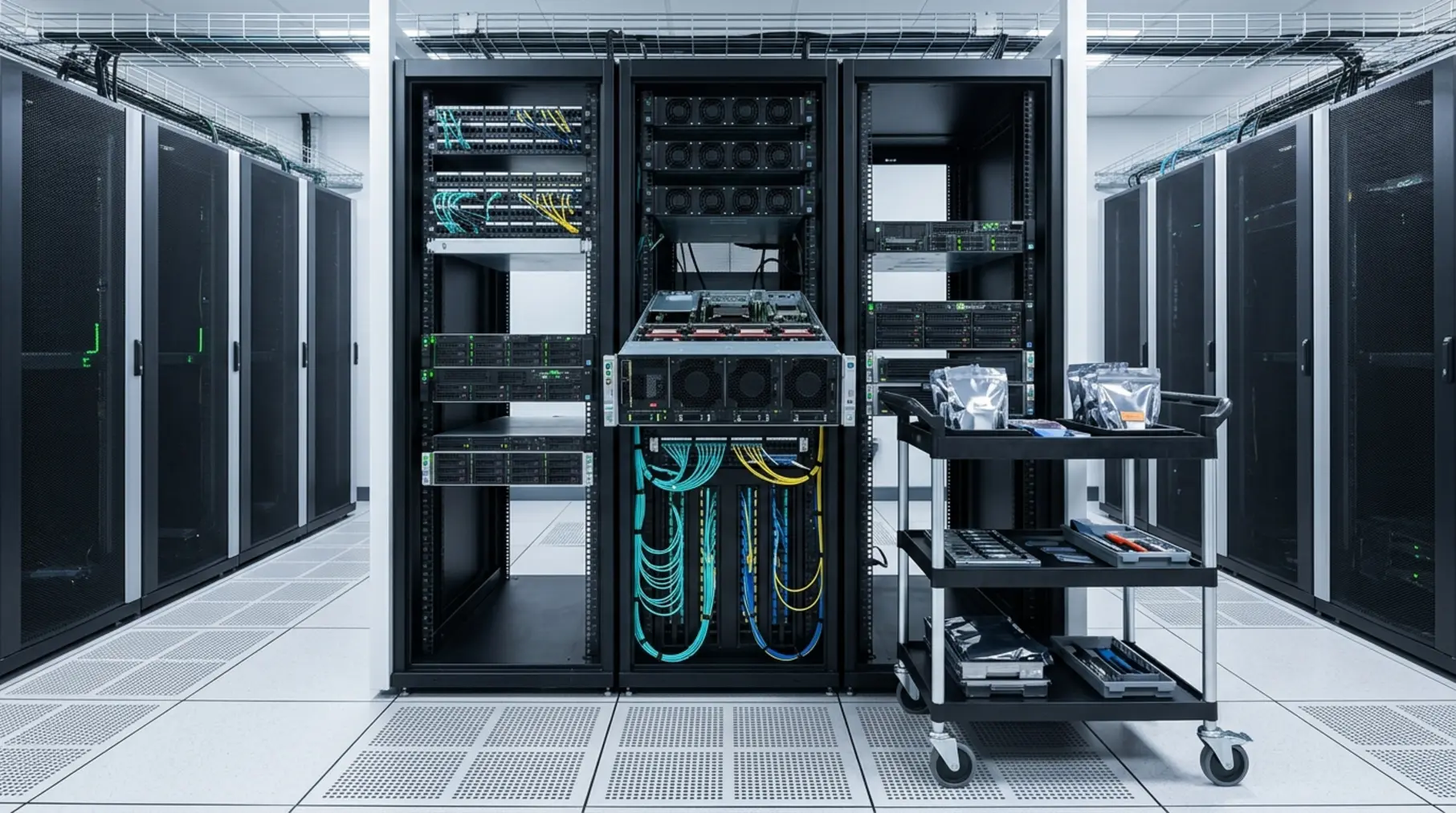
Decommissioning GPU Servers Safely And Profitably
Decommissioning AI and GPU servers is a controlled engineering task, not a simple removal. The aim is to protect resale value, reduce risk, and stay compliant. Correct handling preserves GPU cards, RAM, NVMe and system boards; prevents coolant spills and ESD damage; and keeps firmware baselines and serials intact for accurate valuation.
Air‑cooled racks are simpler than liquid‑cooled racks, which add loop isolation, drain and cap steps. Buyers judge condition, provenance and completeness. Clean kits with rails, bezels, NVLink bridges and logs sell for more. Typical outcomes are resale, refurbish or recycle. For context see why you should sell your old business IT hardware and the sustainability case in the environmental impact of IT waste and how ITAD can help.
Plan The Job: Audit, Serial Capture, And Firmware Baselining
Build a complete, photo‑backed asset register before you touch the kit:
- Scan and photograph serials on chassis, GPUs, PSUs, DIMMs, NVMe, NICs and RAID cards.
- Record slot maps and part IDs, including NVLink bridges, risers, cold plates and manifolds.
- Capture presence of bezels, rails, fillers and blanks; note missing screws and caddies.
- Take clear, well‑lit photos of labels, internals and any cosmetic damage to speed remote valuation.
Export and record configuration and health:
- Firmware versions for BMC, BIOS/UEFI, GPU vBIOS, storage and NICs; note any custom profiles.
- Health metrics (e.g., GPU hours/ECC errors, SMART and power‑on hours for drives).
Set chain of custody and controls:
- Define seals, sign‑offs and named contacts; prepare packing lists and serial‑match sheets.
- Risk assessment covering power isolation, cooling, access routes and spill controls.
Need a framework? See server maintenance: what to know and where to start and our ITAD services for businesses.
Power-Down Sequences For Air-Cooled And Liquid-Cooled AI Racks
Air‑cooled systems:
- Book a maintenance window and notify stakeholders.
- Gracefully shut down the OS; wait for disks to stop.
- Isolate PSUs at the PDU; discharge residual power.
- Apply ESD controls: mats, straps and grounded benches.
- Confirm fans and status LEDs are off before handling.
Liquid‑cooled racks:
- Isolate loops per vendor guidance; depressurise carefully.
- Drain to labelled containers; double‑cap quick‑disconnects.
- Dry and inspect cold plates/manifolds for residue or corrosion.
- Use PPE (safety glasses, gloves) and spill kits aligned to COSHH.
- Place absorbent pads before breaking any coupler; verify no drips before moving frames.
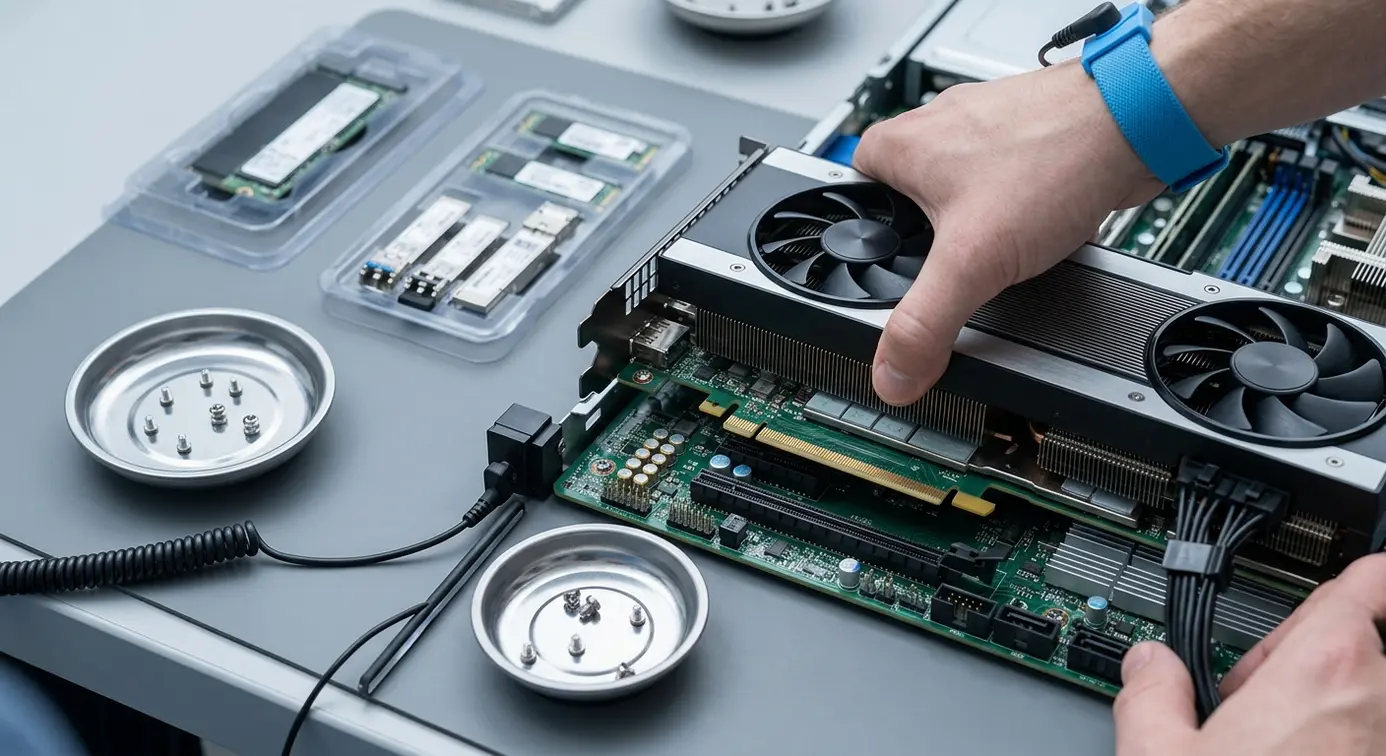
This image was generated with AI and may not always represent the product or service exactly.
Data Security: Sanitise, Verify, And Certify
Prioritise media handling and evidence:
- Wipe HDD, SSD and NVMe using NIST 800‑88 methods or approved vendor tools.
- For self‑encrypting drives, perform cryptographic erase and record key management.
- Quarantine any drive that fails a wipe or shows errors; bag and route to shred with evidence.
- Keep verifiable logs from the erase appliance (drive serials, method, operator, pass/fail).
- Issue Certificates of Data Destruction that match the asset register.
Align the process to GDPR and your retention policy. For guidance, see GDPR compliance and how to avoid security issues when recycling network hardware.
Disassembly: Protect GPUs, RAM, And Sensitive Assemblies
Handle high‑value parts with ESD discipline and clear labelling:
- Remove GPUs with two hands; take support brackets off last. Label by node/slot.
- Bag NVLink bridges and risers by system; note vBIOS where relevant for compatibility.
- Place each GPU in an ESD clamshell or bag with foam; cover gold fingers.
- Store DIMMs in antistatic trays/tubes; cap NVMe drives and ports to stop contamination.
- For liquid‑cooled parts, drain, dry and cap fittings; protect cold plate faces; inspect O‑rings.
- Bag screws/standoffs by location and update the asset register as you go.
Packaging Standards: Server, GPU, And RAM
- Servers: double‑wall cartons with foam corners; block internals if required. Bag rails, bezels and fillers; add tamper seals.
- GPUs: rigid clamshells in antistatic bags with desiccant; immobilise with foam or dividers.
- RAM: antistatic trays or tubes; avoid loose bagging.
- Mixed lots: use foam‑in‑place or custom inserts to prevent movement.
- Labelling: serial‑matched contents, orientation arrows, tilt/drop indicators and a pallet cross‑reference sheet.
- Prefer recyclable materials; see recycling electronic waste and hardware disposal. If disposal is needed, review IT hardware disposal options explained.
Transit And Insurance: No-Surprise Logistics
- Use dedicated, GPS‑tracked vehicles for high‑value GPU lots.
- Seal and strap pallets; photograph internal packing and serial‑match sheets before loading.
- Confirm the carrier accepts declared values and any temperature requirements (hot weather shipping).
- Check policy exclusions; add cover for theft‑attractive cargo if needed.
- Flag coolant and batteries for correct carriage rules; comply with WEEE and export controls for cross‑border moves.
- Document handover with photos, seal numbers and driver signatures.
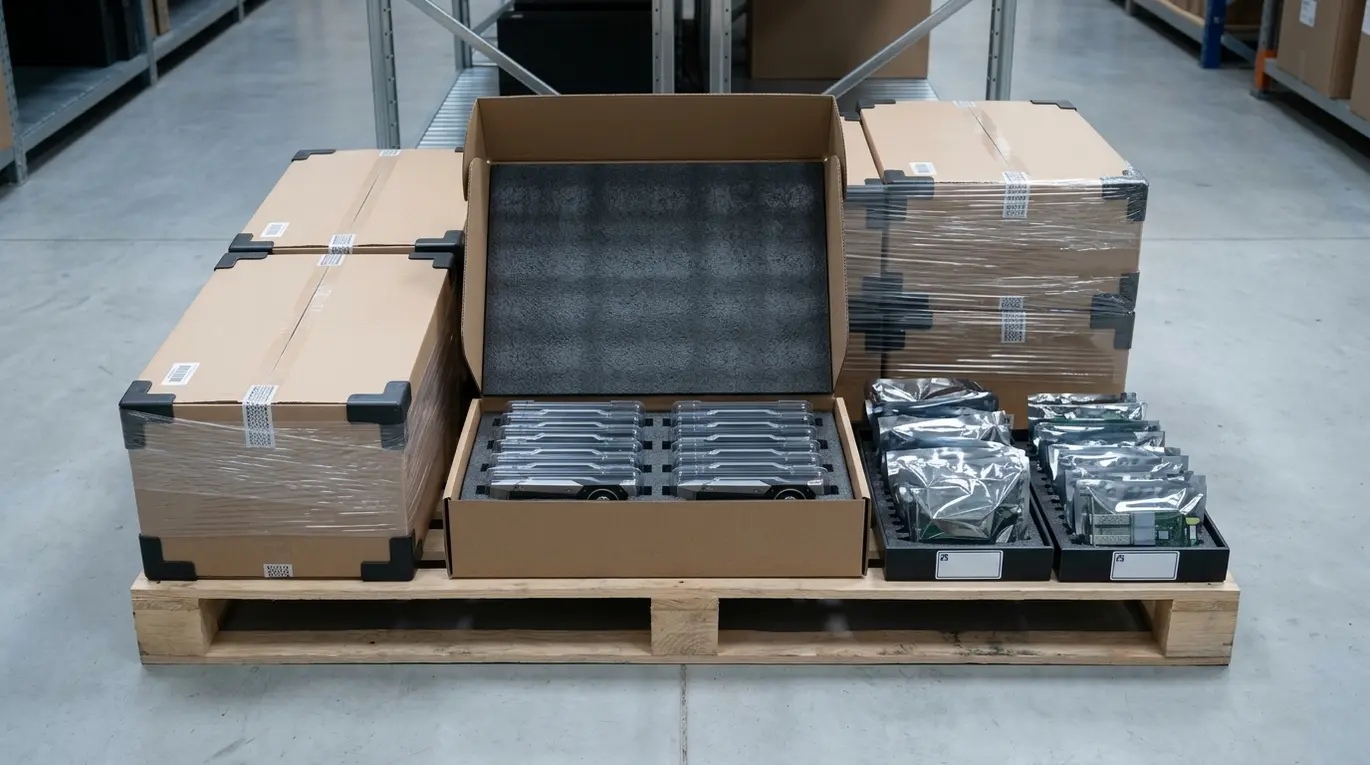
This image was generated with AI and may not always represent the product or service exactly.
Valuation And Buyback: How To Maximise Your Return
What drives value:
- GPU generation and count (e.g., A100, H100, RTX 6000 Ada), VRAM size and health.
- CPU/RAM spec, NVMe type and capacity, NICs, rails, bezels and overall completeness.
- Clean firmware baselines, serial sets and test results that reduce intake time and risk.
How to lift offers:
- Provide full asset photos, slot maps and wipe certificates.
- Bundle complete nodes with rails/bezels and documented firmware for faster grading.
- Note any remaining warranty or transferable support.
Equipment HQ offers instant buyback, consignment or refurb sale routes. Tested‑working kits with condition grades achieve premiums. We commit to fast inspection and clear SLAs on payment. For timing the market, browse our blog and see should I buy refurbished IT hardware for buyer expectations.
On-Site Vs Off-Site: Choose The Right Decommission Model
- On‑site wipe and teardown: highest control, best for sensitive data and strict policies.
- Off‑site remove‑and‑wipe: faster and less disruptive where chain‑of‑custody is strong.
Decide based on uptime needs, data classification and space on the day. Plan access routes, floor loading, lift sizes and isolation points. Book a realistic maintenance window. Your departure pack should include the inventory, erase logs and certificates, photos and sign‑off. For structured support, see ITAD services for businesses and server maintenance: what to know and where to start.
Avoidable Pitfalls And Our Engineering Checklists
- Physical damage: bent PCIe fingers, coolant residue on cards, lost screws. Fix with ESD controls, caps on every fitting and labelled screw bags.
- Data gaps: missing serials and absent wipe logs slow valuation and payment. Maintain one‑to‑one part‑to‑serial mapping.
- Shipping issues: under‑packing or poor labelling leads to claims. Use rigid packaging and serial‑matched labels.
We use step‑by‑step checklists with double‑checks for serial capture, wipe verification and packaging QA sign‑offs to prevent these errors.
Why Equipment HQ: Certified Engineers, Fast Turnaround, Fair Offers
- Certified data wiping with full audit trails and GDPR alignment.
- Experienced handling of air‑ and liquid‑cooled AI racks, including drain and cap.
- Nationwide collection with insured, tracked transport and clear SLAs.
- Refurb to sale‑ready standards across major server and GPU brands.
- Typical timelines from site survey to payment in days, not weeks.
Ready to plan a decommission or request a buyback? Contact Equipment HQ for a secure survey, fixed plan and rapid collection.
FAQs
How Long Does A GPU Server Decommission Usually Take?
Most small racks complete in one to two days on site. Larger or liquid‑cooled estates may take longer due to drain, dry and QA steps. We confirm timelines after a survey.
Can You Handle Vendor-Specific Liquid-Cooling Systems?
Yes. Our engineers follow vendor drain‑and‑cap procedures and carry compatible caps and spill kits. We document every step with photos.
What Documents Do We Receive At The End?
You receive the asset register, serial photos, erase logs, Certificates of Data Destruction, packing photos and a signed chain of custody. These align with audit and GDPR needs.
Do You Buy Back Partial Or Non-Working Servers?
Yes. We value complete nodes, parts‑only kits and tested components. Failed media is excluded or priced for scrap with evidence.
How Do You Price Mixed GPU Lots?
We assess GPU models, VRAM, health and completeness, plus RAM, NVMe and NICs. Firmware baselines and test results help secure higher offers.
What Areas Do You Cover And How Fast Can You Collect?
We collect nationwide. Collections are often scheduled within a few working days, subject to survey and site access.